Desktop accounting software that never asks for a backup
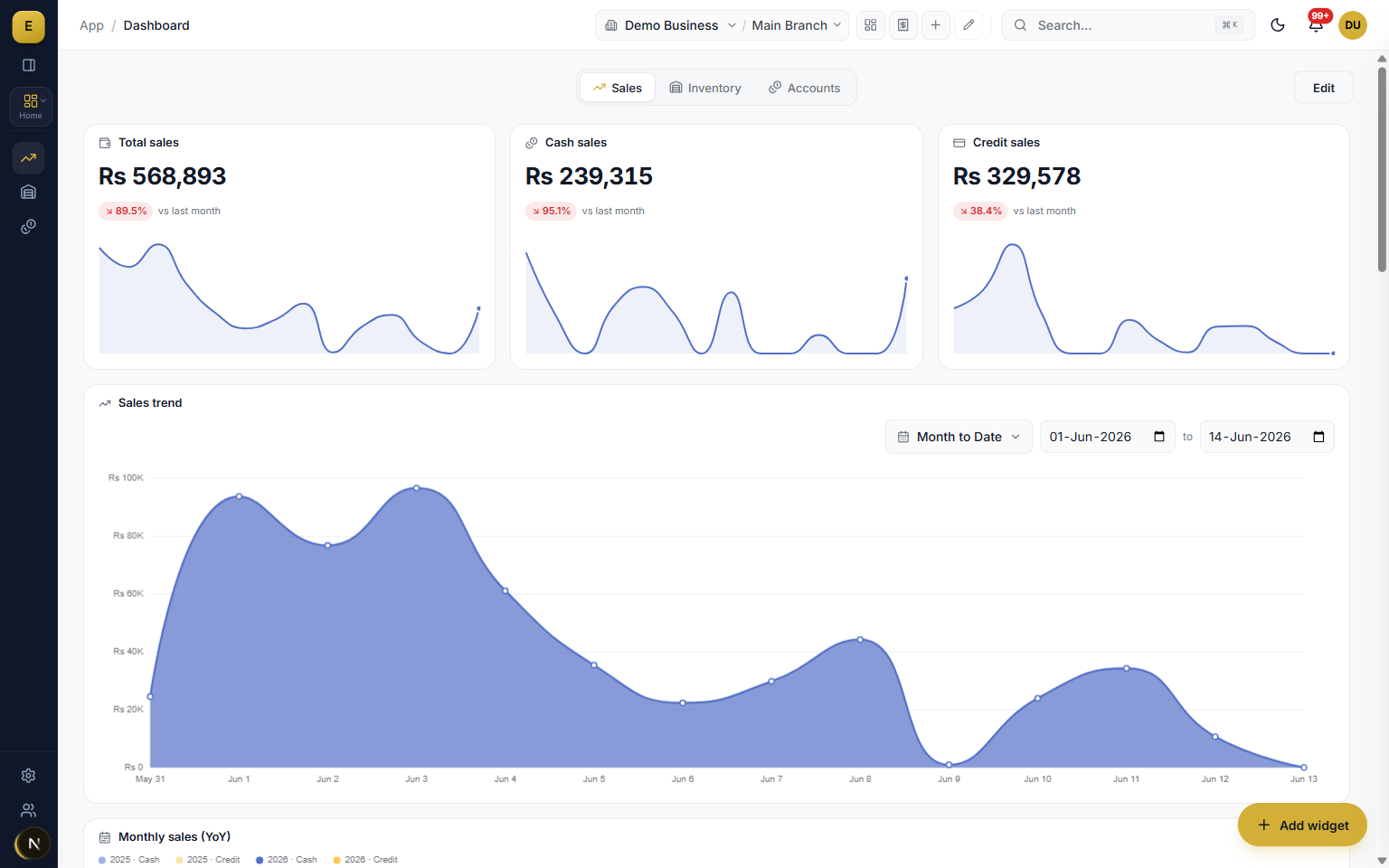
Install E-Khata on Windows, macOS, or Linux and it feels like the desktop software Pakistani businesses have trusted for decades: fast, familiar, on your machine. Underneath, it is cloud software, so your data survives any laptop, your branches share one system, and updates arrive on their own.
E-Khata Cloud ships as a real desktop application for Windows, macOS, and Linux, downloadable in one click. You get the desktop experience businesses ask for, with the parts of old desktop software nobody misses, like manual backups, single-PC data, and version upgrades, replaced by the cloud.
A real app for Windows, macOS, and Linux
This is not a browser shortcut. E-Khata installs like any desktop program: an .exe for Windows, a .dmg for macOS, and packages for Linux. It opens in its own window, sits in your taskbar or dock, and the Windows app quietly updates itself in the background, so you are never running last year's version. The download page detects your system and hands you the right installer.
- One-click installers for Windows, macOS, and Linux
- Opens in its own window, no browser tabs to lose
- Background updates on Windows, no upgrade CDs, no version fees
- The same account works in any browser when you are away from your PC
Offline accounting software, for when the internet drops
The honest fear behind every desktop-versus-cloud debate in Pakistan is load-shedding and dead internet at the busiest hour. E-Khata is built for exactly that. Once you have used it online, your core screens and data keep opening without a connection, and invoices or entries you record while offline are saved on the device and sync on their own the moment the line returns, with the sync status shown on screen.
- Core modules keep opening when the connection is gone
- Offline invoices and entries sync automatically on reconnect
- A visible pending-sync indicator, so nothing is ever in doubt
- The desktop app keeps an extra on-disk copy of unsent entries for safety
Everything old desktop software makes you do, gone
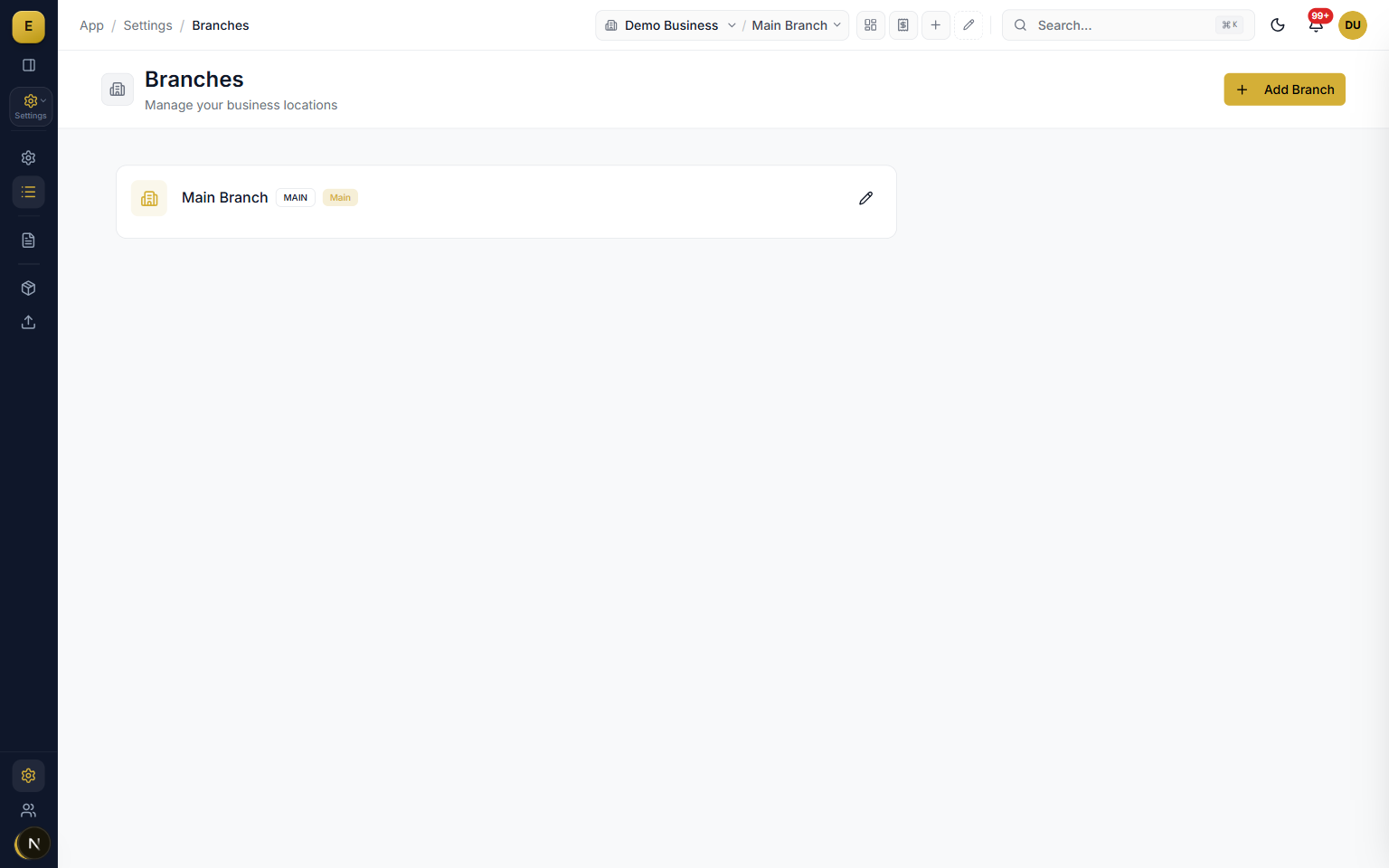
If you have run an older desktop package, you know the rituals: the nightly backup someone forgets, the data folder married to one PC, the version upgrade that costs money and a weekend, the branch file that has to be merged by hand. E-Khata ends the rituals. Your books live in the cloud and are backed up for you, every branch and every user works on the same live system with their own permissions, and the software improves continuously without you doing anything.
- No manual backups, ever: your data is protected in the cloud
- A stolen or dead laptop costs you a machine, not your accounts
- All branches on one live system instead of scattered data files
- User accounts and permissions instead of one shared password
Moving from Tally, BUSY, or Excel
Most businesses that ask us for desktop accounting software are running Tally, BUSY, or a well-worn Excel file today. Those tools did their job, and moving on from them should not mean losing your history. Your customers, products, and opening balances come in through imports, and our team walks you through the switch during onboarding. The habits transfer; the rituals do not.
- Import customers, products, and balances to start
- Free demo and guided setup in plain language
- Urdu and English, PKR formatting, and FBR compliance built in
Who it is for
Frequently asked questions
Explore more of E-Khata
See how your business runs on E-Khata.
30-min Zoom or WhatsApp call. We'll walk you through E-Khata with examples that match your business type.

“I or my co-founder personally join every demo call.”
Or message us on WhatsApp: +92 300 1676722 (we reply within 1 hour).