Purchase and Vendor Management That Tracks Every Rupee You Owe
Raise a purchase order, receive the goods against it, record the vendor bill, and handle returns and extra costs without re-typing the same items three times. The result is a clean procurement trail that shows what was ordered, what arrived, what you have been billed for, and what you still owe.
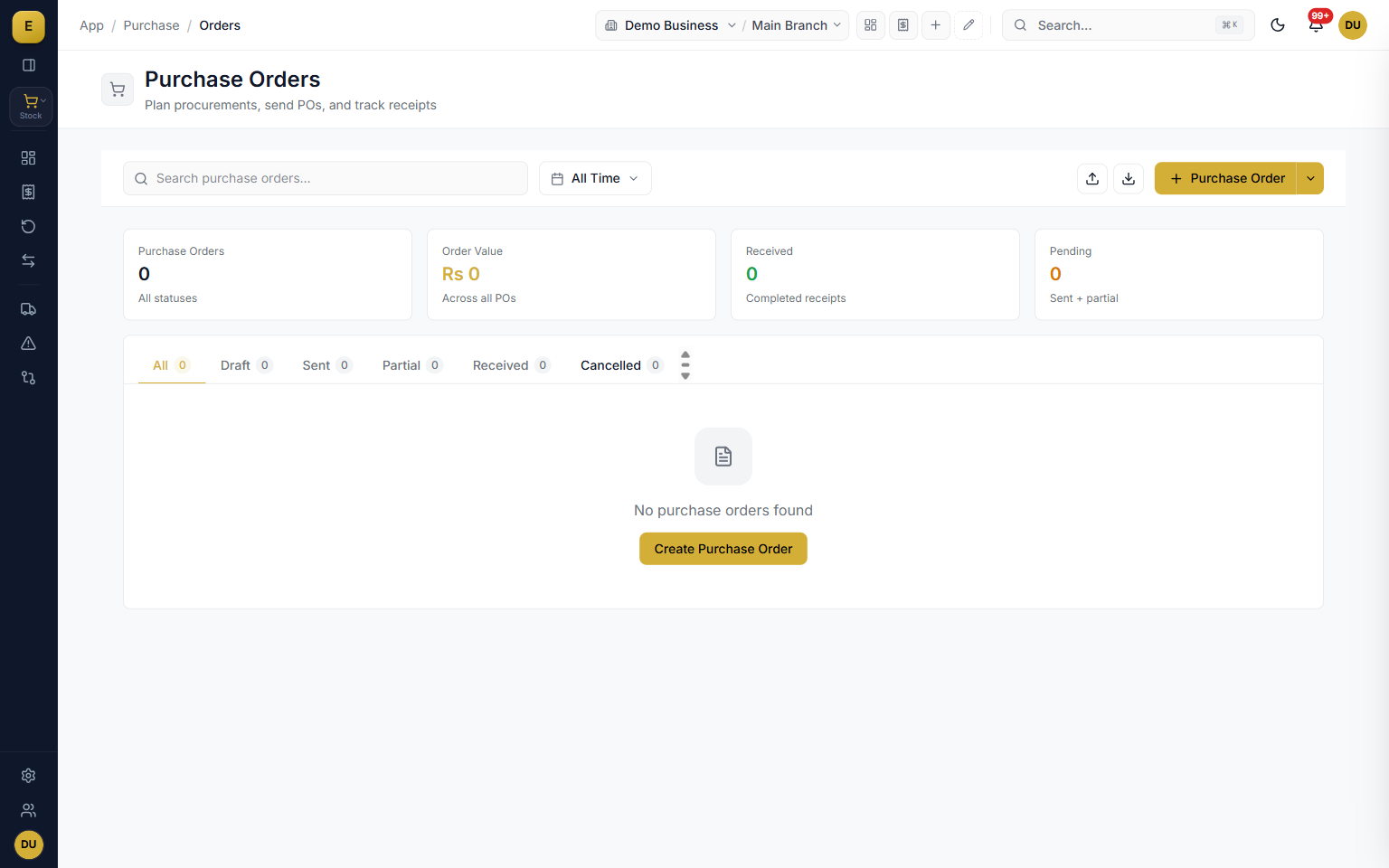
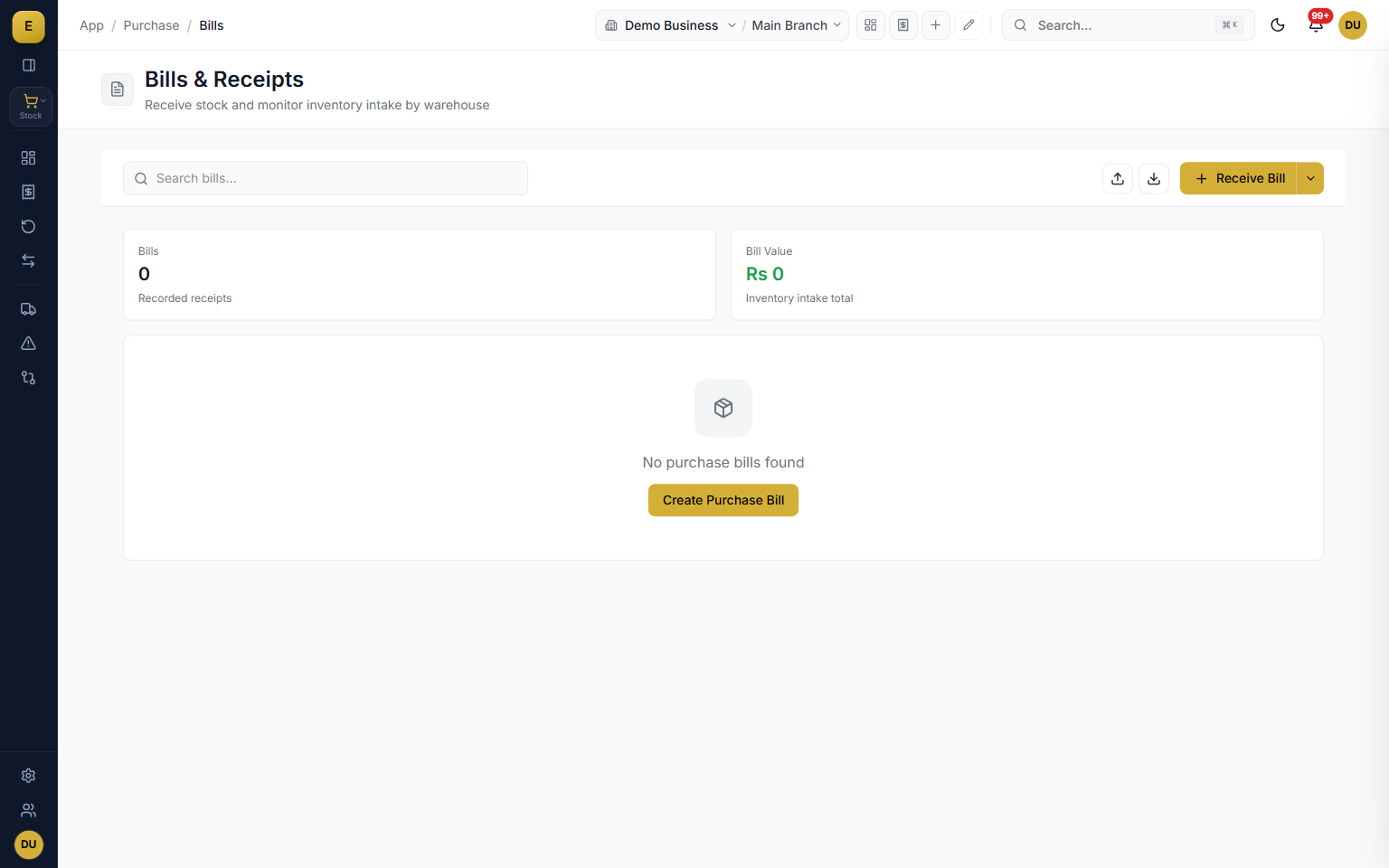
Purchase management records everything you buy from suppliers and what those purchases cost you. It links three documents together: the purchase order (what you agreed to buy), the goods receipt (what physically arrived), and the purchase invoice (the supplier's bill). Every purchase posts to the right account, updates stock, and moves the vendor balance, so your inventory cost and accounts payable stay in step with the goods on your shelves.
The procurement lifecycle: order, receive, bill
The core of the module is a connected chain of documents. You do not have to use every step, but when you do, each one carries its data forward so you never re-enter items, rates, or vendor details. A purchase order is your written commitment to a supplier; a goods receipt is the point where stock enters your warehouse; and the purchase invoice is the supplier's bill that posts the accounting and updates the balance.
- Purchase order moves through draft, sent, partial, and received with vendor reference and bilty number
- Goods receipt confirms full or partial deliveries and updates the stock ledger
- Purchase invoice posts double-entry accounting automatically (Stock or Expense debit, Payable credit)
- Send the PO as a clean PDF over WhatsApp, email, or print
Three-way matching: pay only for what you ordered and received
Three-way matching is the discipline that protects you from overpaying. The system compares the purchase order, the goods receipt, and the supplier invoice line by line before a bill is cleared, checking that the item, quantity, and price agree across all three. When something does not line up, the quantity validations hold it back so you do not over-receive or overbill.
- Every PO line keeps running counters for received, billed, and returned quantity
- Receipt lines link to the PO line they fulfil and invoice lines link to receipt lines
- Fulfilment status shows not received, partial, received, or over received
- Billing status shows not billed, partially billed, or fully billed
Supplier and vendor management with supplier udhar
Every purchase document is tied to a vendor in the party master. You create suppliers with name, phone, email, address, and city, and find them fast with fuzzy search that also covers phone and Urdu name. The supplier balance is not typed in by hand; it is calculated from the GL entries created by purchase invoices and returns, so the amount you owe is always backed by real documents. Most buying in Pakistan runs on udhar, so credit terms and a payables aging view are built in.
- Fuzzy search across name, phone, and Urdu name to confirm the right party
- Supplier balance calculated from real GL entries, never typed by hand
- Set payment terms (Cash, 7, 15, 30, or 60 Days) with an automatic due date
- Payables aging groups what you owe so you can clear the oldest udhar first
Landed costs: the true cost of imported and freighted stock
The price on the supplier invoice is rarely the real cost of the goods. Freight, customs duty, clearing, insurance, loading, and commission all add to what a unit actually costs you. The landed cost voucher distributes these charges across the receipt lines so each item carries its true cost. You choose how charges are split: by quantity, by amount, equally, or manually per item.
- Allocate charges by quantity, by amount, equally, or manually per item
- Expense types include freight, customs duty, clearing, insurance, loading, and commission
- Each charge links to a GL expense account
- Allocation updates the per-item valuation rate for accurate inventory and margins
Purchase returns and debit notes
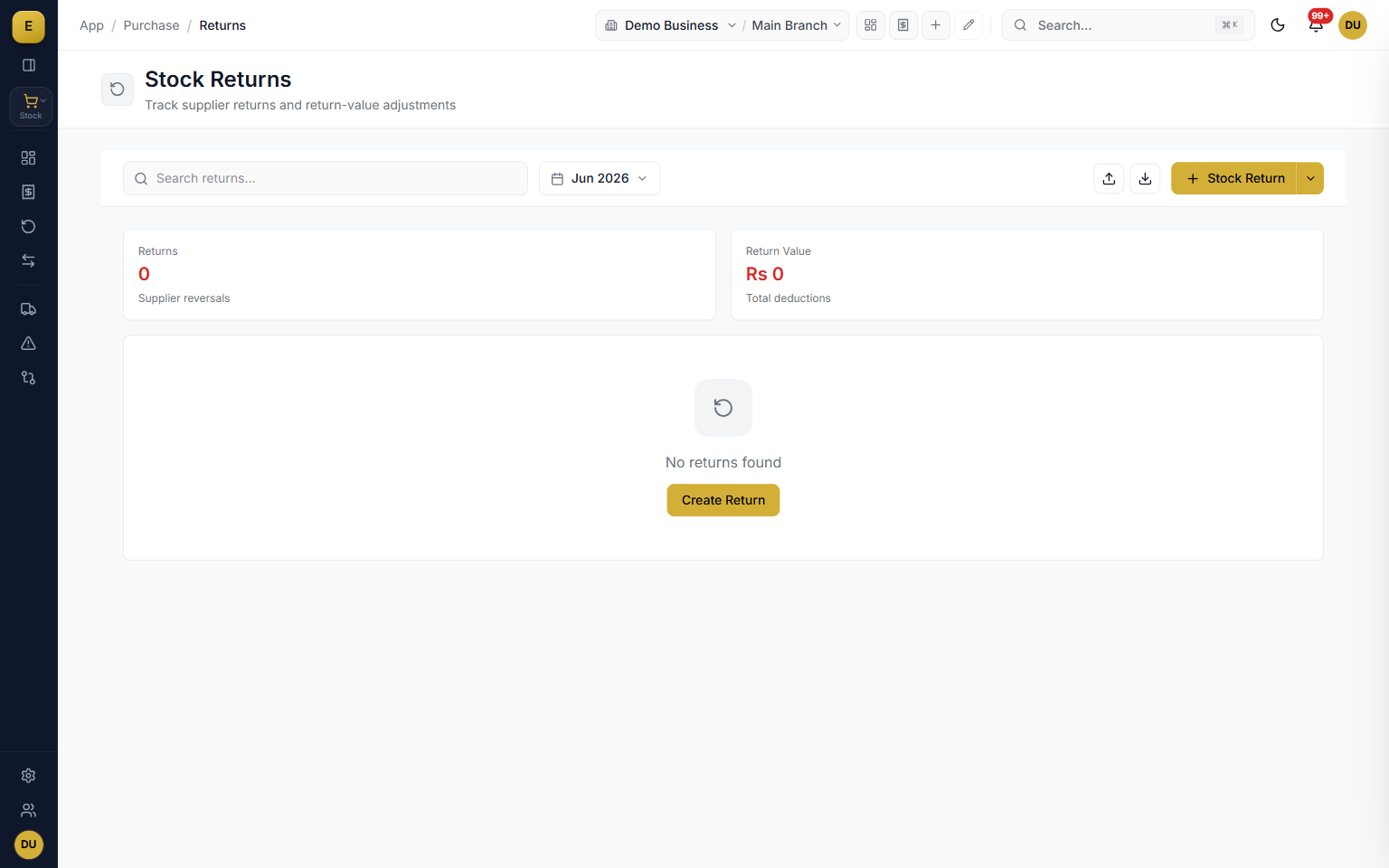
When goods are damaged, wrong, or in excess, you send them back. A purchase return reverses the stock for those items and creates a credit position against the supplier (Vendor debit, Stock credit), lowering what you owe. You can return against the original PO for traceability or record a direct return without one, and the GL reversal is automatic.
- Quick-select reason chips: Damaged, Wrong Item, Quality Issue, Excess Qty, Defective, or Other
- Return against the original PO for traceability or record a direct return
- Each returned line tracks returned quantity against the original receipt line
- Automatic GL reversal lowers the supplier balance
Stock transfers, document lists, and accounting integration
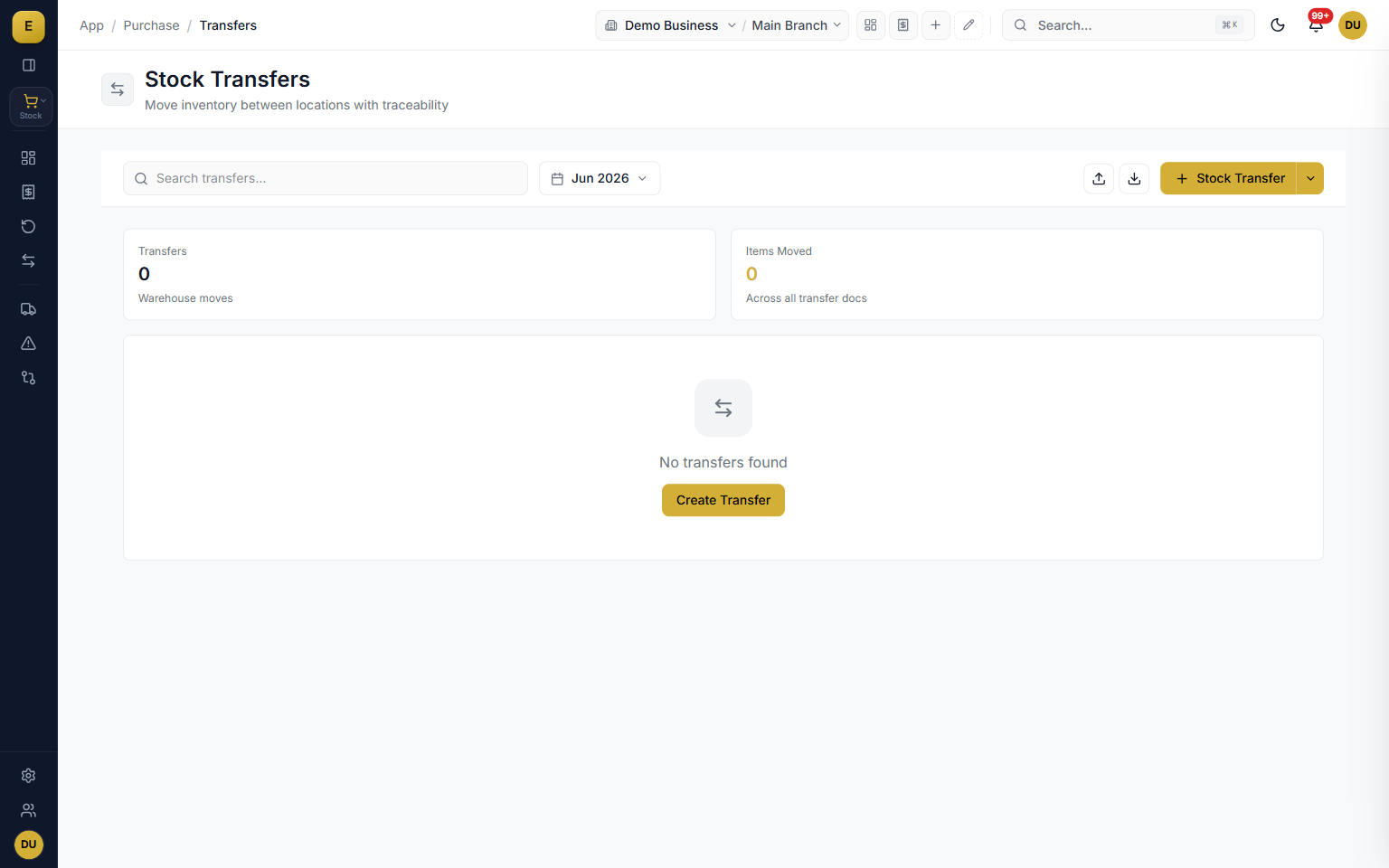
Moving goods between your own warehouses is not a purchase, so it does not touch your accounts. A stock transfer records the from-warehouse, the to-warehouse, the date, and an optional reason, then updates only the stock ledger. All purchase documents live in dedicated screens with colour-coded status badges, search, and column filters, and when you submit a purchase invoice the books update themselves with a duplicate-posting guard and an amendment log.
- Stock transfers record from-warehouse and to-warehouse and update only the stock ledger
- Status badges are colour coded: draft gray, sent blue, partial orange, received green, cancelled red
- Filter by status, date range, vendor, and document number; export to Excel and import from CSV
- Invoice journal entry, input tax credit, and an amendment log post automatically
Who it is for
Frequently asked questions
Explore more of E-Khata
See how your business runs on E-Khata.
30-min Zoom or WhatsApp call. We'll walk you through E-Khata with examples that match your business type.

“I or my co-founder personally join every demo call.”
Or message us on WhatsApp: +92 300 1676722 (we reply within 1 hour).